
Modern businesses use multiple software applications to manage sales, accounting, inventory, customer relationships, online orders, payments, and logistics. When these systems operate independently, employees often need to enter the same information into different platforms. This can lead to data duplication, manual errors, delayed updates, and limited visibility across departments.
Odoo ERP integration helps businesses connect their applications and exchange information through APIs, connectors, and customized integration solutions. By integrating Odoo with CRM platforms, eCommerce websites, payment gateways, logistics providers, and other business systems, organizations can create more connected workflows and improve operational efficiency.
In this guide, we explain how Odoo API integration works, common integration use cases, data synchronization methods, and important considerations when connecting Odoo with existing business applications.
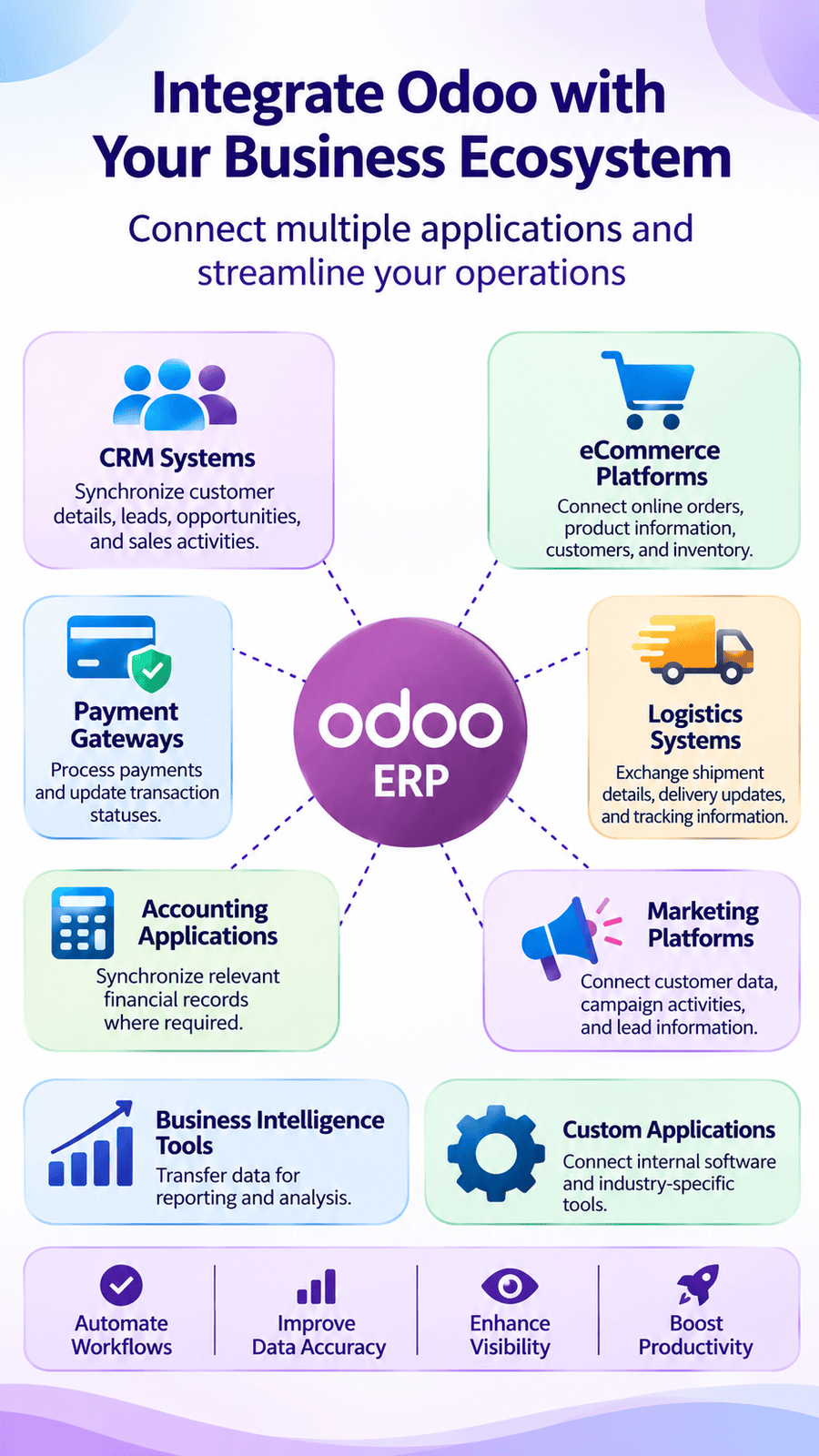
Why Do Businesses Need Odoo Integration?
Many organizations use different applications across departments. Without integration, employees may need to manually transfer information between systems, increasing administrative work and the possibility of errors.
Odoo integration helps connect these applications and create more consistent business processes.
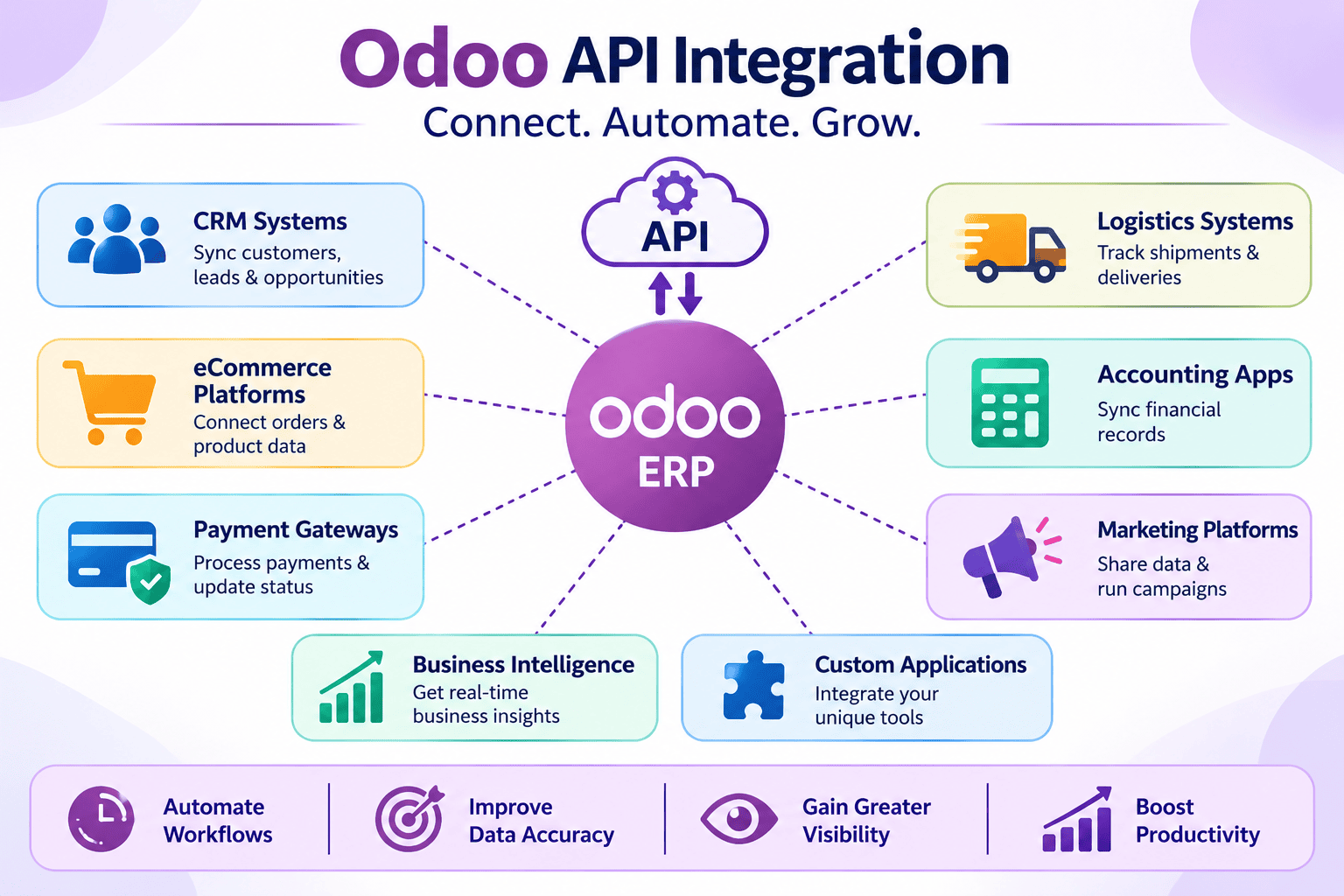
How Does Odoo API Integration Work?
An Application Programming Interface (API) allows different software applications to communicate and exchange information using defined methods and data formats. Odoo API integration connects Odoo with external applications so that selected business information can be exchanged according to agreed rules.
Common API Integration Methods
REST API Integration
REST APIs allow applications to exchange information through HTTP requests. Depending on the Odoo version and configuration, REST-based integration can be implemented using supported interfaces or custom integration services.
Webhook Integration
Webhooks allow an application to send event notifications to another system when a particular action occurs.
For example:
A customer places an online order.
The eCommerce platform sends an event notification.
An integration service receives the event.
The order information is validated and transferred to Odoo.
Webhooks can help reduce unnecessary repeated data checks, although the receiving system must handle retries, security, and duplicate events properly.
Custom API Integration
Some business applications do not provide ready-made connectors for Odoo. In these situations, developers can create custom integration services to connect the systems.
Custom integration may involve:
Mapping fields between applications
Converting data formats
Validating incoming information
Managing authentication
Handling errors and failed transactions
Synchronizing records between platforms
The exact integration method should be selected based on the Odoo version, external application, security requirements, and expected data volume.
Common Odoo Integration Use Cases
Different businesses have different integration requirements. The following are some common examples of how Odoo can connect with external applications.